
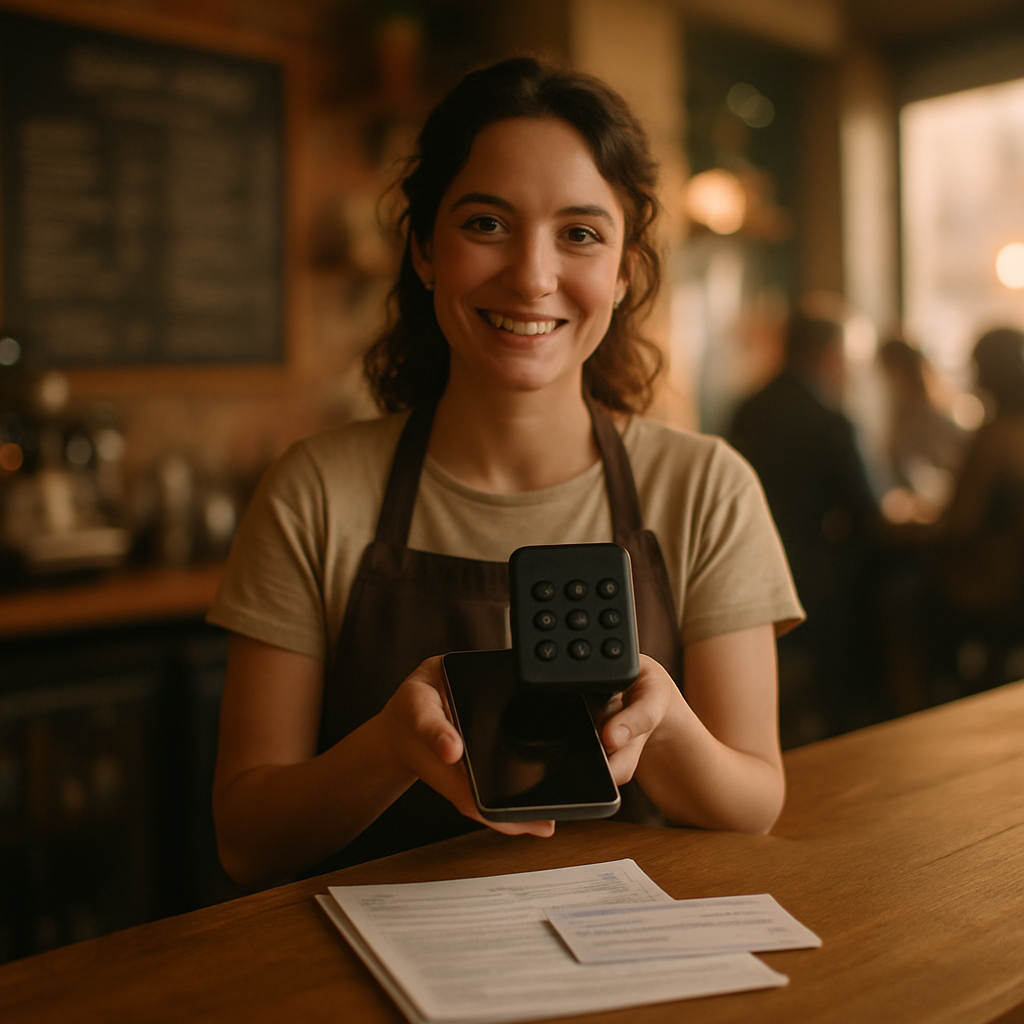

In this quiet hour before service, imagine the small rituals that make a café thrive: tamping espresso, folding paper sleeves, exchanging change and gratitude. This guide will help you transform those rituals by accepting credit cards without a traditional Point of Sale (POS) system. You will learn which documents to collect, which merchant account options fit a lean café, how to apply, how to take the first card payment, and how to protect your business—each step written for a beginner and braided with practical tips and gentle warnings.
Check prerequisites and requirements
Gather what you will need before you begin the application — readiness breeds calm.
- Business documentation: business license, DBA or articles of organization, EIN or SSN if sole proprietor.
- Bank information: voided check or bank statement with routing and account numbers.
- Personal ID: driver’s license or passport for the owner(s).
- Projected monthly card volume and average ticket size (estimate honestly).
Pro-tip: Prepare scanned PDFs or clear photos of documents. Warning: Mismatched names between bank and merchant application is a common delay—double-check spelling.
Gather required documents
Collect and organize the paperwork the processor will ask for; treat each sheet like a small promise to your future customers.
- Photocopy or scan your ID and business license.
- Export a recent bank statement or take a clear photo of a voided check.
- Write a short one-paragraph business description: what you sell, hours, location.
Example: “Urban roast café, open 7am–3pm, counter service of coffee, pastries, grab-and-go sandwiches. Average ticket $6–$10, monthly card volume $8,000.”
Tip: Keep files under 5MB. Mistake to avoid: uploading blurry images—processors reject them and slow approval.
Choose the right merchant account type
Decide whether you need an aggregator (easier, faster) or a dedicated merchant account (lower fees long-term). Let your projected volume and appetite for paperwork guide you.
- Aggregator (e.g., Square, Stripe): No long contracts, easy setup, higher per-transaction fees. Best for low-volume, flexible cafés.
- Dedicated merchant account: Lower per-transaction fees, processing contract, better for steady higher volume.
- Payment facilitator or third-party processor: Middle ground; may require underwriting.
Pro-tip: If you’re under $10k/month, start with an aggregator to move quickly. Warning: Watch for hidden fees like chargeback or gateway fees.
Select payment hardware and methods
Choose how you’ll accept cards without a POS—each method carries its own poetry and friction.
- Mobile card reader (Bluetooth/plug-in): Pairs with a smartphone or tablet; ideal for counter service.
- Countertop terminal: Standalone device that connects to phone line or internet—no POS needed.
- Virtual terminal: Enter card numbers in a secure web page using any computer.
- QR code or contactless payments: Let customers pay from their phones; requires provider support.
Example: A tiny café might use a Bluetooth reader throughout the shop and a QR-code station for quick grab-and-go customers.
Tip: Buy hardware from your processor to ensure compatibility. Warning: Avoid used or uncertified readers—security and PCI compliance matter.
Apply for your merchant account
Complete the application with care; your words here fasten the door to card acceptance.
- Choose a provider and fill the online or paper application.
- Upload documents you gathered and answer underwriting questions honestly.
- Review terms: fees, holdback, rolling reserve, contract length.
Pro-tip: Keep a copy of the signed agreement. Mistake to avoid: Skimming the fee schedule—some processors add monthly gateway or statement fees.
Configure, secure, and test your account
Set up your account, secure credentials, and run small test transactions to build confidence.
- Create strong passwords and enable two-factor authentication.
- Process a $1 authorisation and a void, then a real small sale to confirm settlement timing.
- Note settlement timelines and batch close procedures if applicable.
Example: Run test sales during a quiet hour to watch funds land in your bank. Warning: Never store unencrypted card data; follow PCI guidelines.
Train your team and optimize daily operations
Teach baristas how to use the reader, how to handle declines, and how to log transactions.
- Role-play a declined card scenario and a successful contactless sale.
- Post a simple checklist near the register: ‘‘Connect reader, Open app, Tap/Swipe, Print/email receipt.’’
- Monitor refunds and chargebacks weekly.
Pro-tip: Keep a printed cheat-sheet by the counter. Mistake to avoid: Assuming everyone knows the app—practical repetition prevents slow lines.
Call for personalized help
Act now: if you want tailored recommendations, hardware options, or someone to walk you through the application, call 928-706-6769. I can help choose the right account type and hardware for your café’s rhythm and volume.
Next steps: Choose a provider, collect your documents, order compatible hardware, and place that first test transaction. When you’re ready, call 928-706-6769 for help completing any step.