
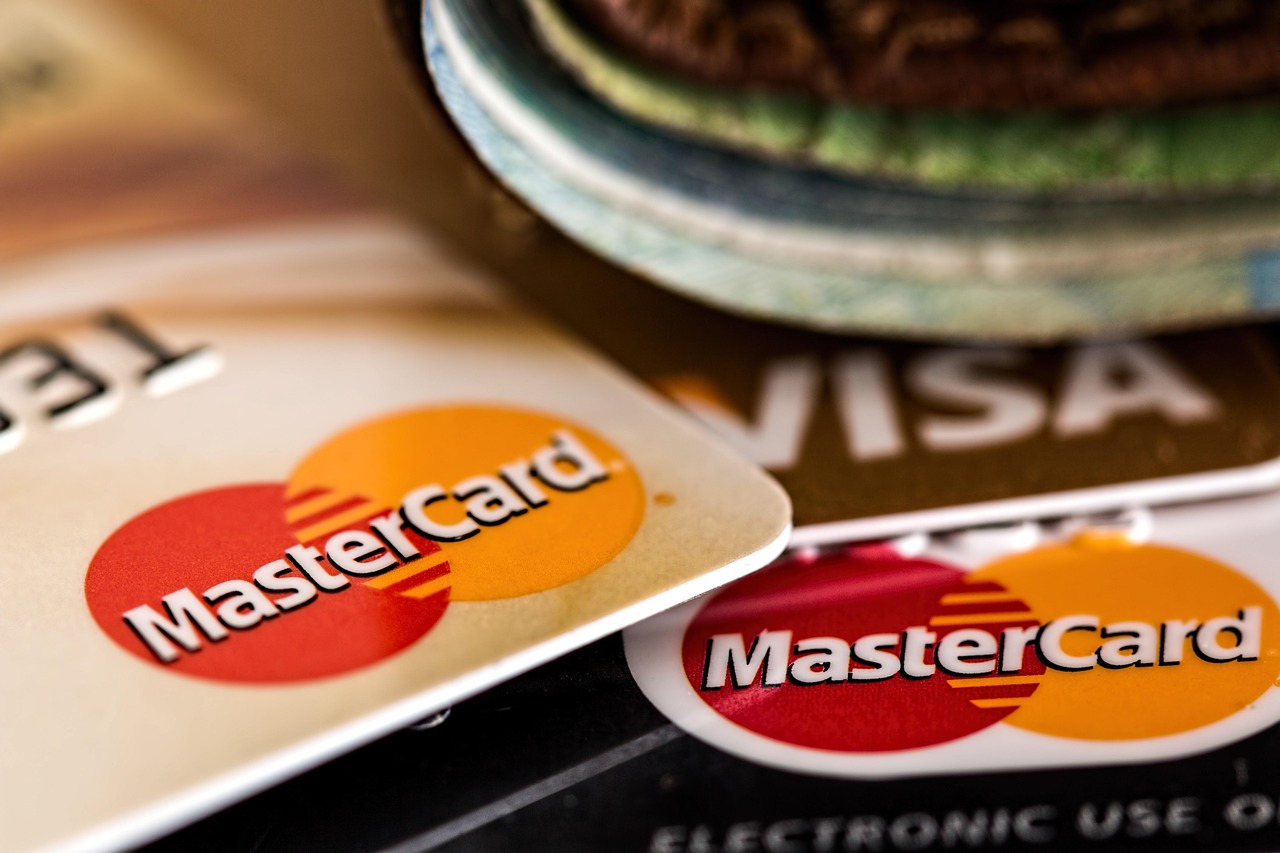

Choosing a payment system can feel like comparing a dozen similar tools, each with different fees and features. The right choice, however, can make it easier for customers to pay and simpler for you to manage money. This beginner's guide explains how payment systems work and shares 12 practical tips for comparing options, understanding costs, and selecting a solution that fits your business.
What Is a Payment System?
A payment system is the collection of tools and services that lets a business accept money from customers. It may include a card reader, an online checkout page, payment-processing software, and a provider that moves funds from the customer's bank or card account to yours.
Think of it like a bridge: customers pay on one side, and the money travels across the bridge to your business. The system checks and records the transaction along the way. Some systems work in physical shops, some online, and others support both.
Why Does It Matter?
A good payment system helps customers pay using familiar methods, such as cards or digital wallets. A smooth checkout can reduce abandoned purchases, while reliable records can make it easier to track sales and reconcile your accounts. The right fit may also save money by avoiding unnecessary fees or features.
Payment systems handle sensitive financial information, so security matters, too. A reputable provider can help protect transactions and guide you through important requirements. Choosing carefully is not only a technology decision; it affects customer experience, cash flow, and daily operations.
Core Concepts to Understand
1. Payment processing
Processing is the work of sending a payment for approval, confirming whether it can go through, and arranging the transfer of funds. A processor is one part of the payment journey, even when a provider bundles it with other services.
2. Payment methods and channels
Payment methods are how customers pay, such as credit cards, debit cards, or digital wallets. Channels describe where they pay: in person, on a website, through an invoice, or on a mobile device. Choose options that match how your customers actually shop.
3. Fees and pricing models
Providers may charge a percentage of each sale, a fixed amount per transaction, monthly fees, or charges for extra services. A percentage-plus-fixed-fee model, for example, takes a small share of the sale and adds a set amount. Compare the full costs using your typical transaction size and sales volume, not just an advertised rate.
4. Security and compliance
Security features help guard payment and customer information. Compliance means following applicable rules for handling card data. Ask what protections the provider includes, what responsibilities remain yours, and whether it offers tools such as fraud alerts or secure card-data storage.
5. Integrations and settlement
An integration is a connection between your payment system and another tool, such as an online store or accounting software. Settlement is when processed funds arrive in your business account. Check that the system works with your existing tools and learn how long transfers usually take.
12 Tips for Choosing the Ideal System
- Map your sales channels. List where customers pay today and where you plan to sell next.
- Understand your business model. A café, subscription service, and online retailer have different payment needs.
- Ask customers what they prefer. Familiar payment choices can make checkout more convenient.
- Calculate total costs. Include transaction, monthly, setup, hardware, refund, and chargeback fees where applicable.
- Compare rates using real examples. Estimate costs for a typical sale and a busy month before choosing.
- Check the contract. Look for minimum terms, cancellation charges, price changes, and any required equipment.
- Prioritize security. Review fraud-prevention features and how the provider protects payment details.
- Test the checkout experience. Make sure the steps are clear and work well on phones as well as computers.
- Check integrations. Confirm compatibility with your website, point-of-sale system, inventory tools, and bookkeeping software.
- Review payout timing. Make sure transfer schedules work with your bills and cash-flow needs.
- Evaluate support. Find out how to get help during an outage or a disputed payment, and when support is available.
- Consider future growth. Choose a system that can handle more sales, new locations, or new channels without forcing a disruptive switch.
Getting Started: First Steps for Beginners
Begin with a simple checklist. Write down how you sell, your approximate monthly sales, your average purchase amount, and the payment methods customers request. Then set a realistic budget and identify must-have features, such as in-person card acceptance or online subscriptions.
Next, request clear pricing from a few providers and use the same example sales figures to compare them. Ask for a demonstration or trial when available. Before committing, run a test transaction, review the contract, and confirm how refunds and customer support work.
Common Mistakes to Avoid
- Choosing solely because the advertised transaction rate looks low.
- Overlooking monthly charges, hardware costs, or contract conditions.
- Paying for advanced tools your business does not need yet.
- Ignoring the checkout experience on mobile devices.
- Assuming every provider offers the same payout schedule and support.
- Failing to check whether the system connects to tools you already use.
Resources and Next Steps
For further learning, review provider pricing pages and service agreements, consult your bank or accountant, and look for guidance from recognized small-business and payment-security organizations. Make a comparison table so you can assess costs, features, support, and contract terms side by side. Revisit your choice as your business changes; a suitable system today may need new features as you grow.
You do not need to understand every technical detail before making a good decision. Start by listing how your customers pay and gathering your typical monthly sales figures. That small first step will make your comparisons clearer and help you find a system that fits your business.